Rev · 2022
Rev Call Recorder
- Role
- Lead and sole designer, iOS and Android
- Focus
- iOS, Android, Consumer
- Outcomes
- The spin-off was downloaded and used more than the flagship recorder it borrowed its system from.
Challenge
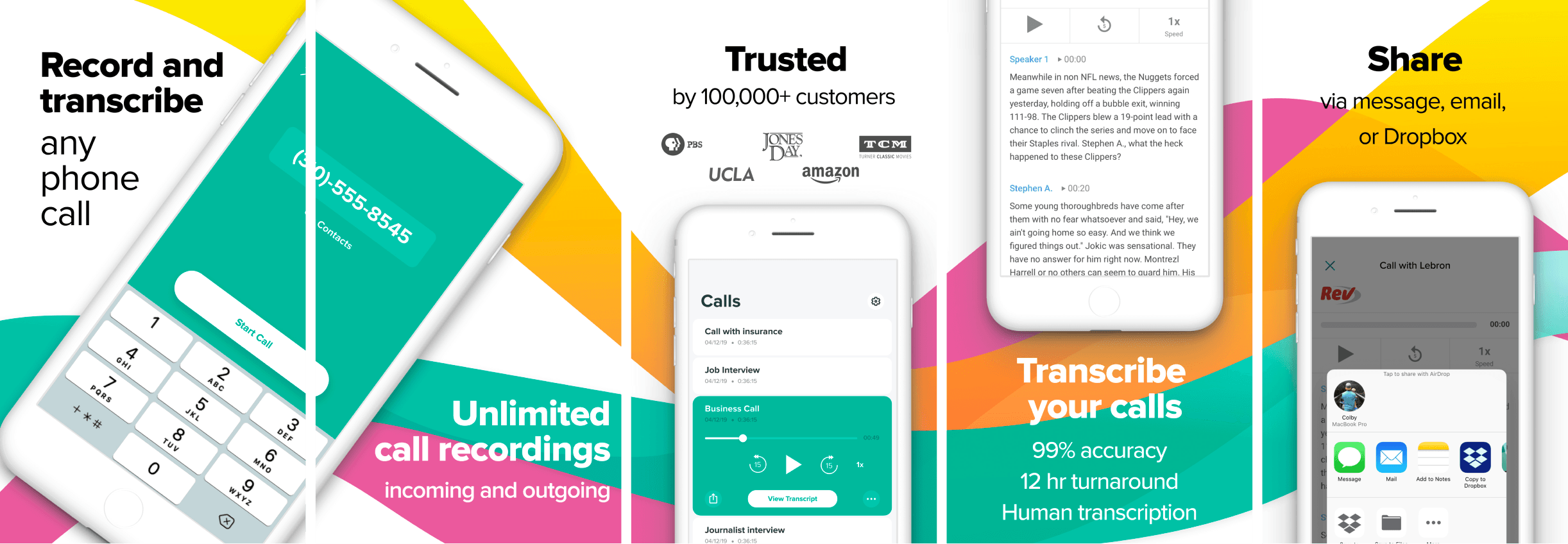
The market for recording calls on your phone was quite small. Rev aimed to offer a free version of a call recorder to serve those who needed recordings of calls for various reasons.
Rev Call Recorder would then make it very easy to use our human or automated transcription service to get a transcript of your call. This is where the business could generate its revenue.
The challenge was to quickly develop an app (using the design system from the voice recorder) that was simple and could help people record their calls in the easiest way possible on a single device. This spin-off ended up being downloaded and used more than our flagship voice recorder.
Role
I was the lead and sole designer for the iOS and Android app. I worked closely with a product manager and a small team of developers.
User flow
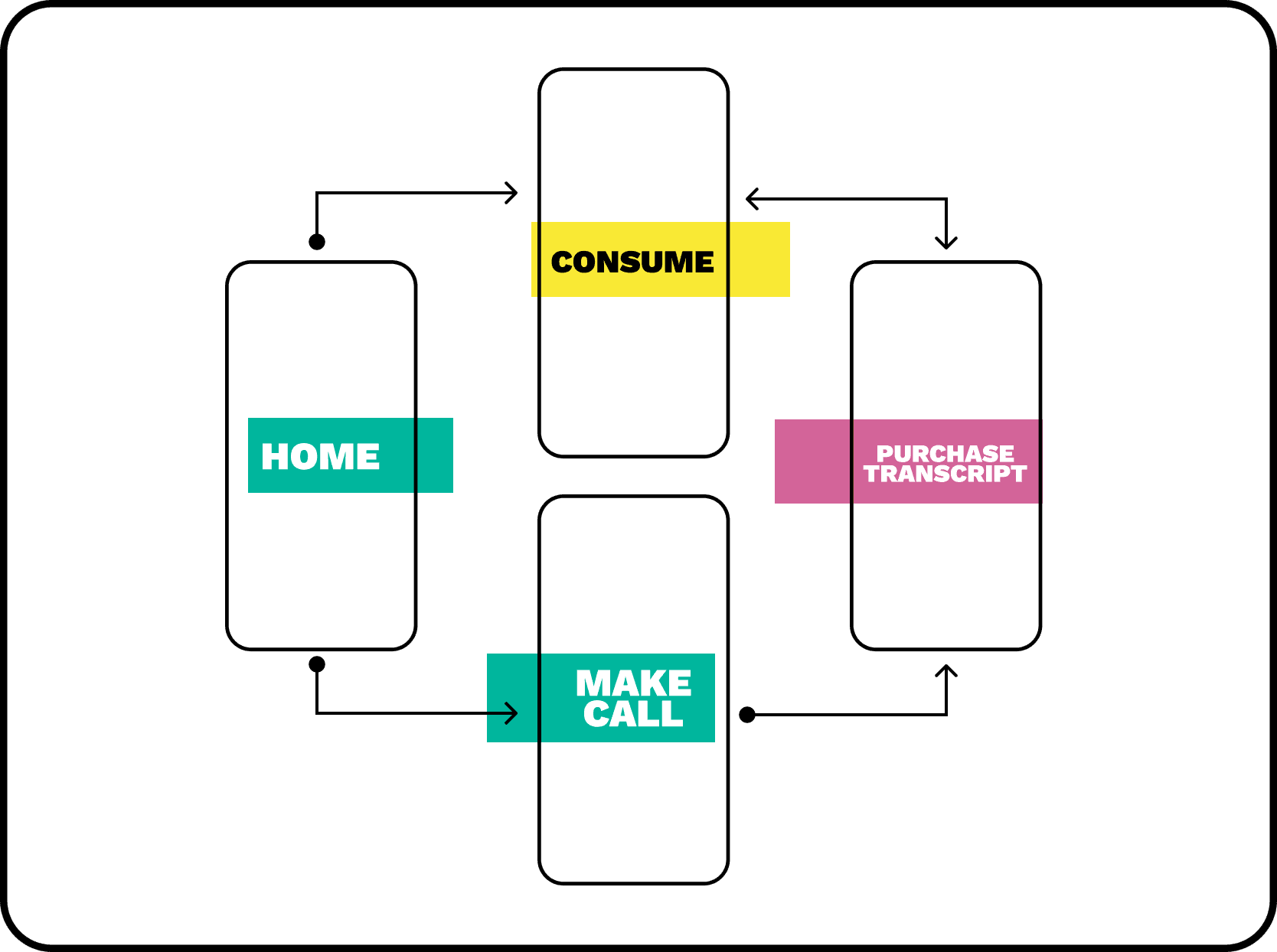
The flow was very simple. Record your phone call. The user opens up the app (if set up already), taps the record button to make the call. At other times, the user will listen to the recording, or read the transcript in the app. Usually, if the user transcribes the recording, they would review it elsewhere.
Home screen
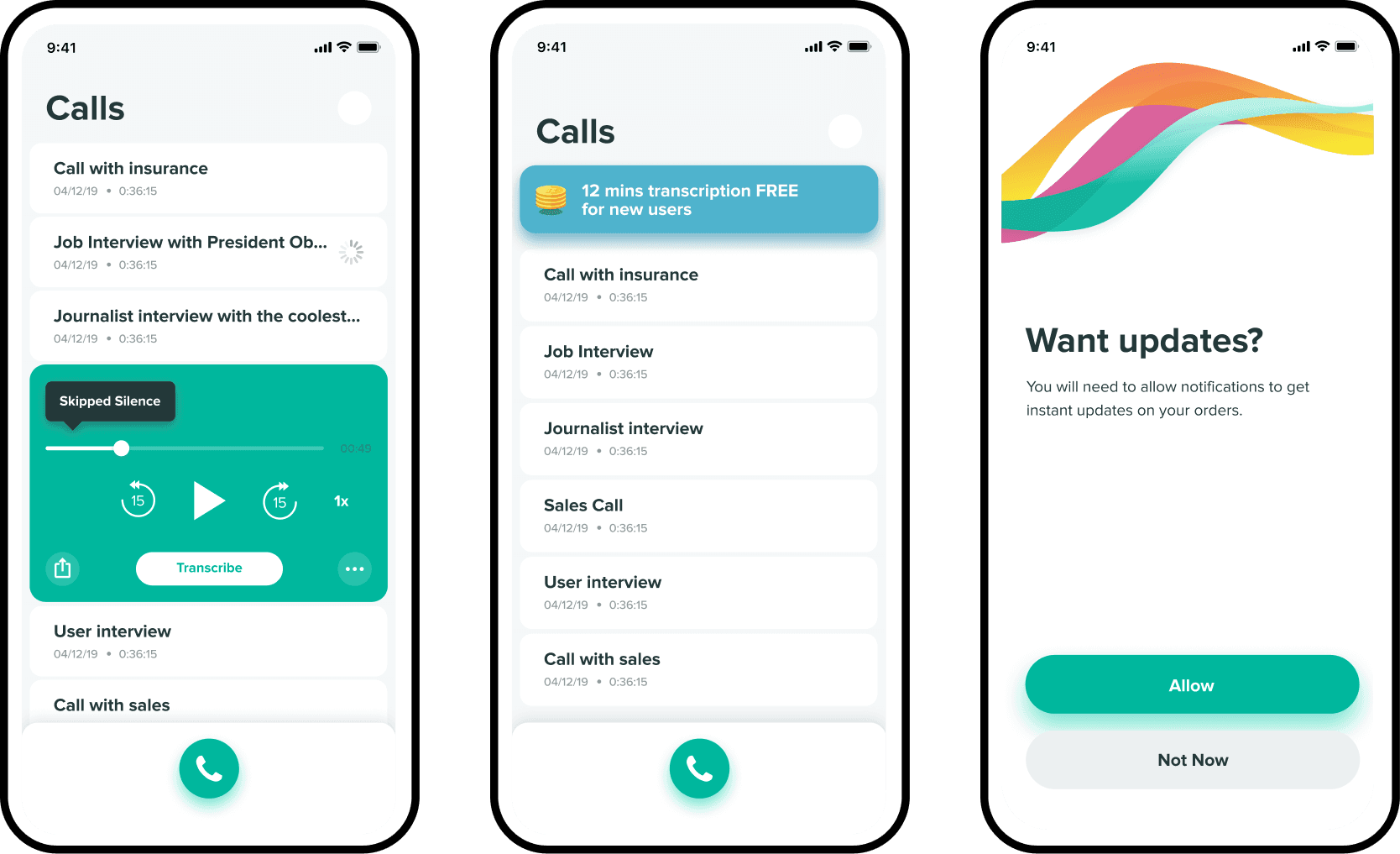
Make calls. View your recordings. View your transcripts. Begin the purchase of transcripts.
Call and record
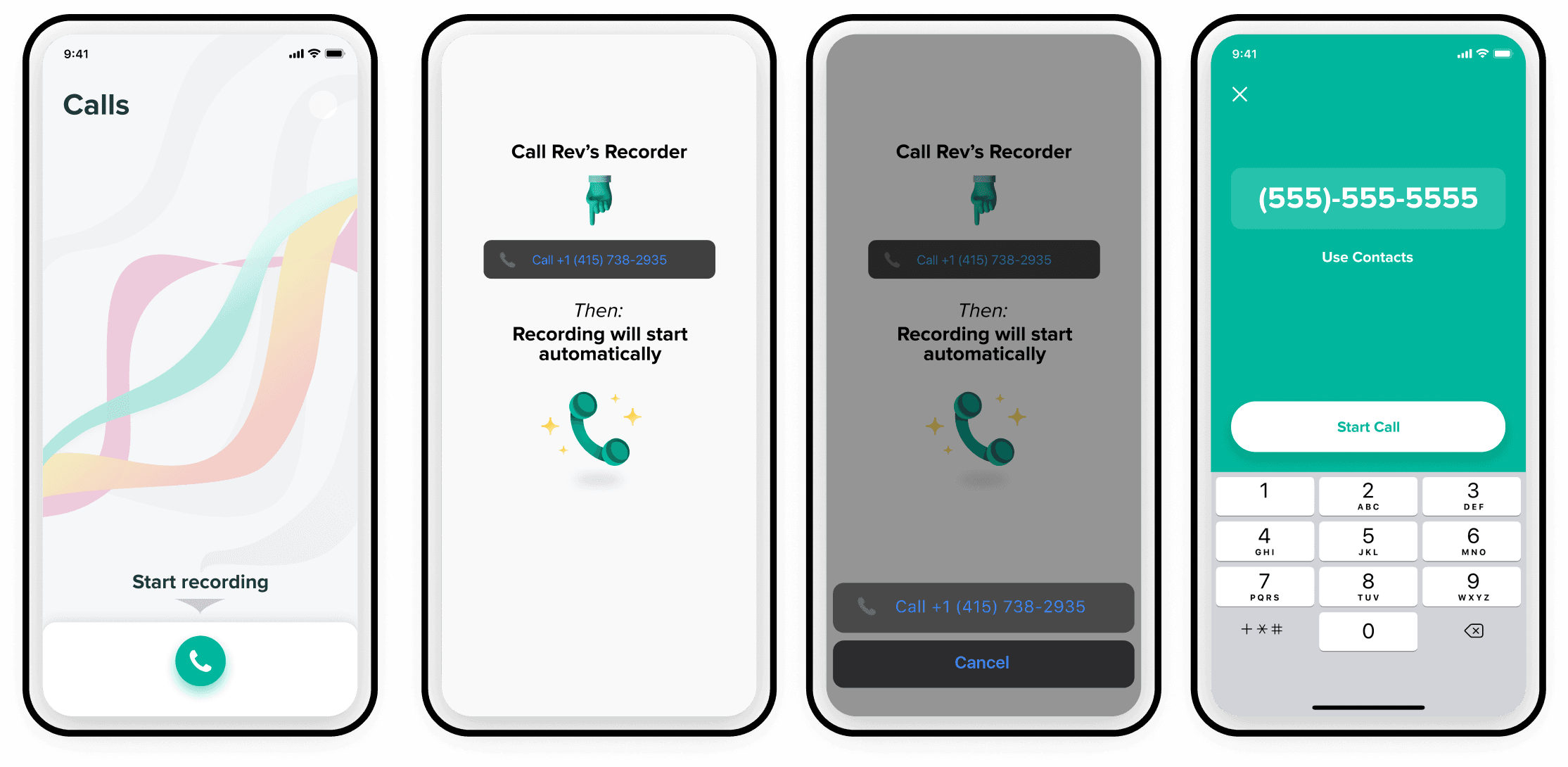
At the time, it was the only and most streamlined way to record a call on iOS. The Android version still had to use the old method of manually merging calls.
Credits - in app purchase
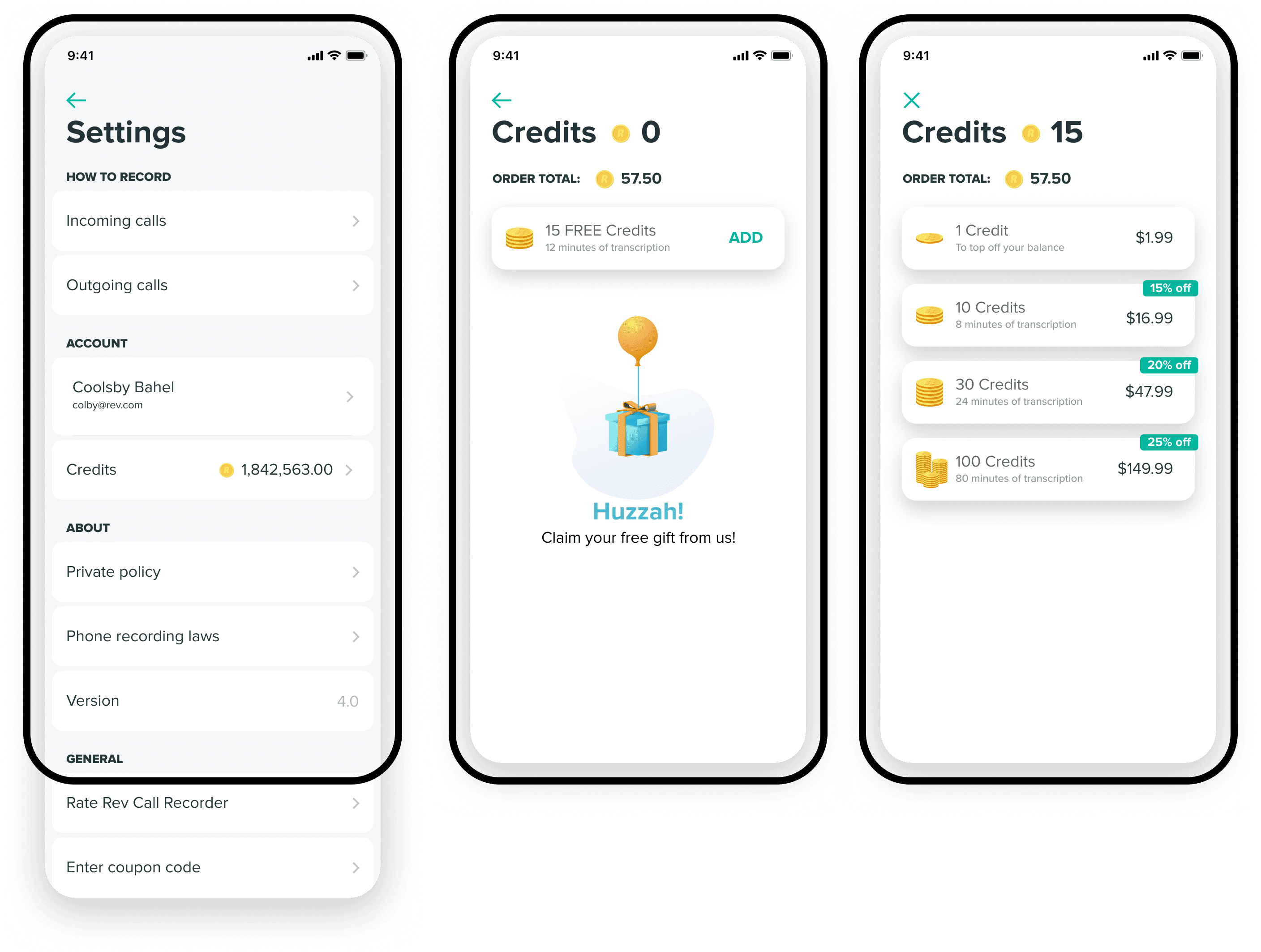
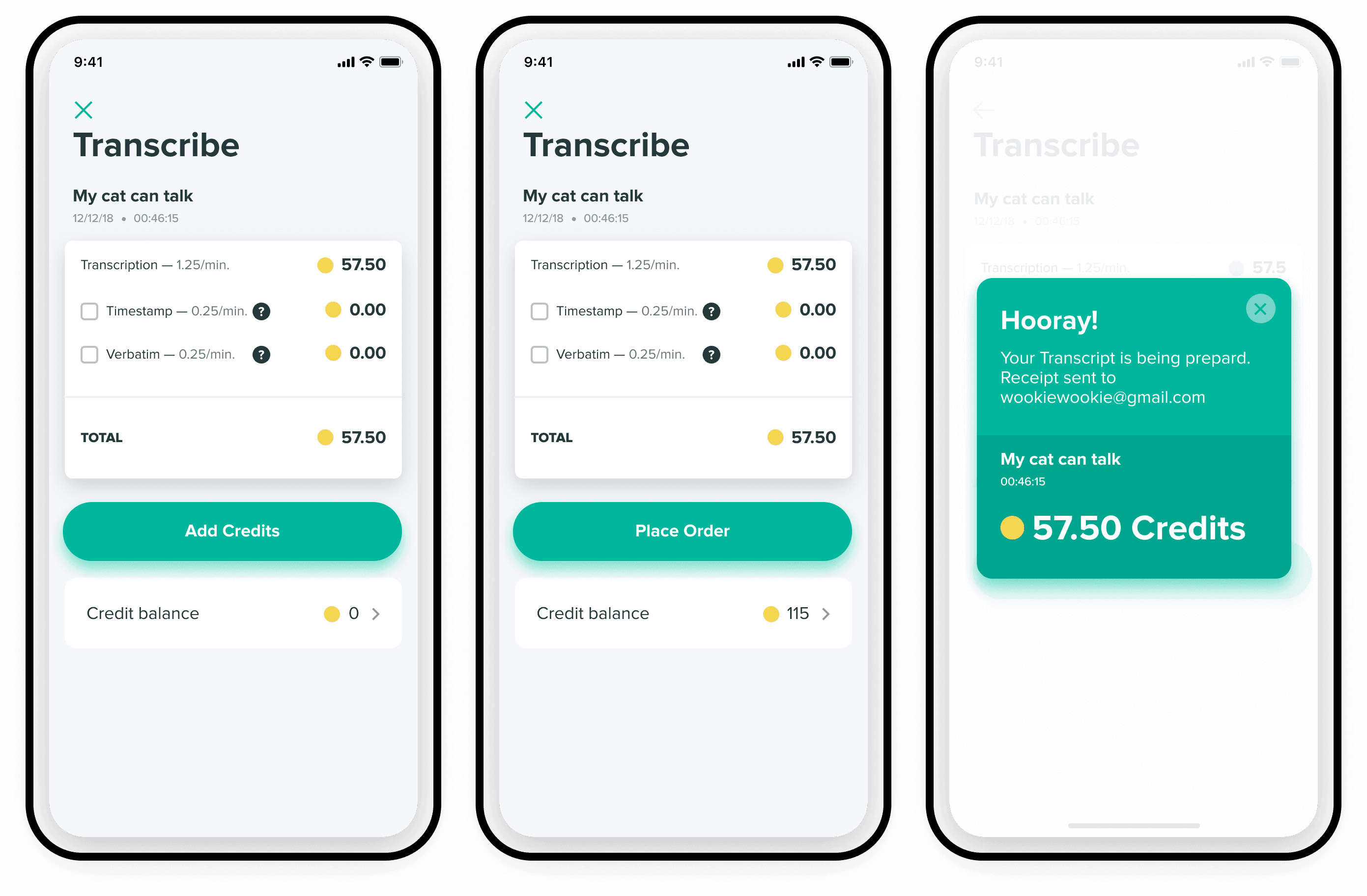
We needed to develop a different type of currency system due to the heavy tax that Apple imposes on purchases made in the app. This was challenging, as many of our customers were already with us from rev.com web, and wanted the same rate.
Edit call
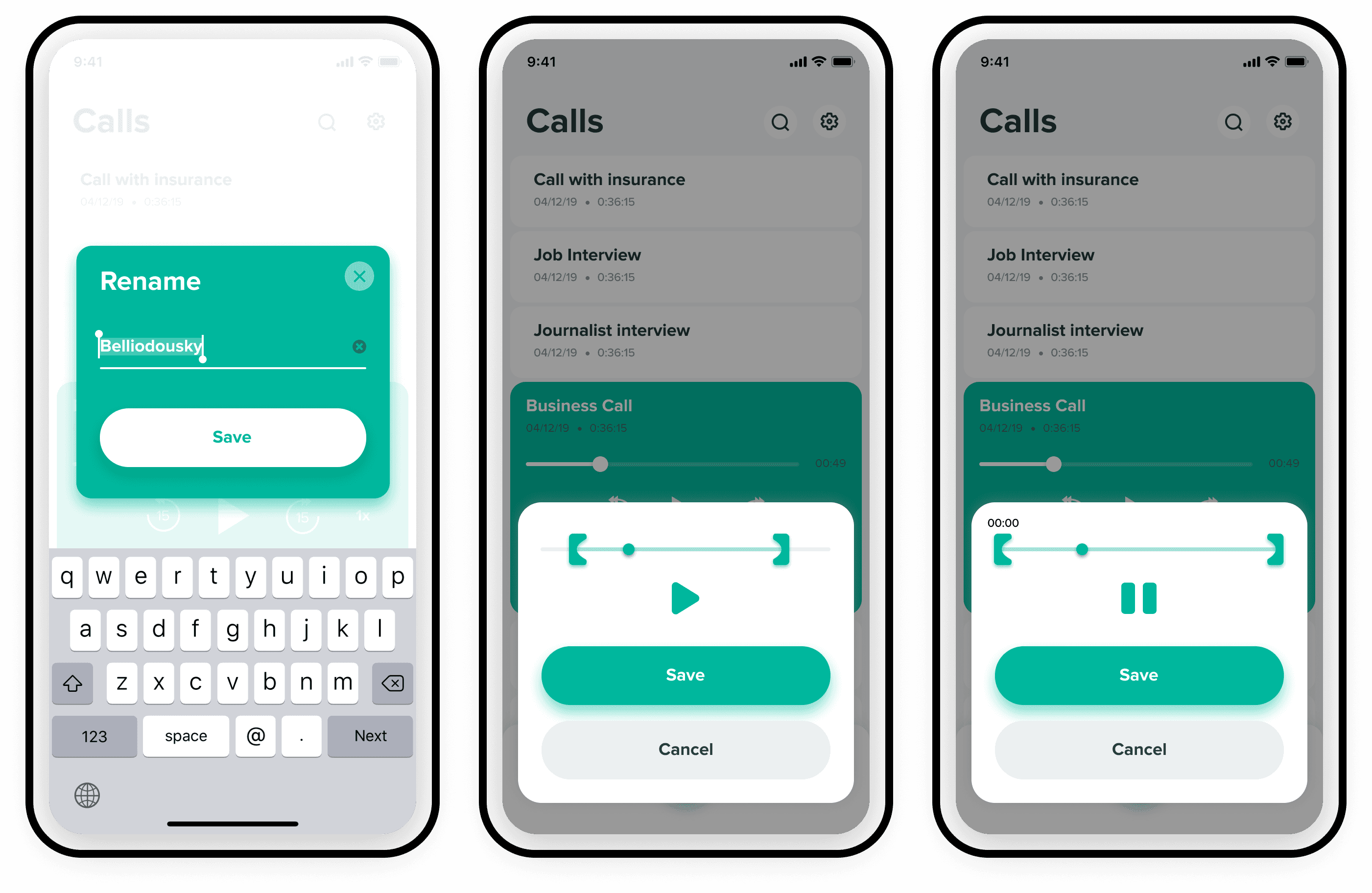
You may need to cut out the silence or parts of the call you don't need, so you won't have to pay for that part of the transcription. You are charged per minute.
Checkout and payment
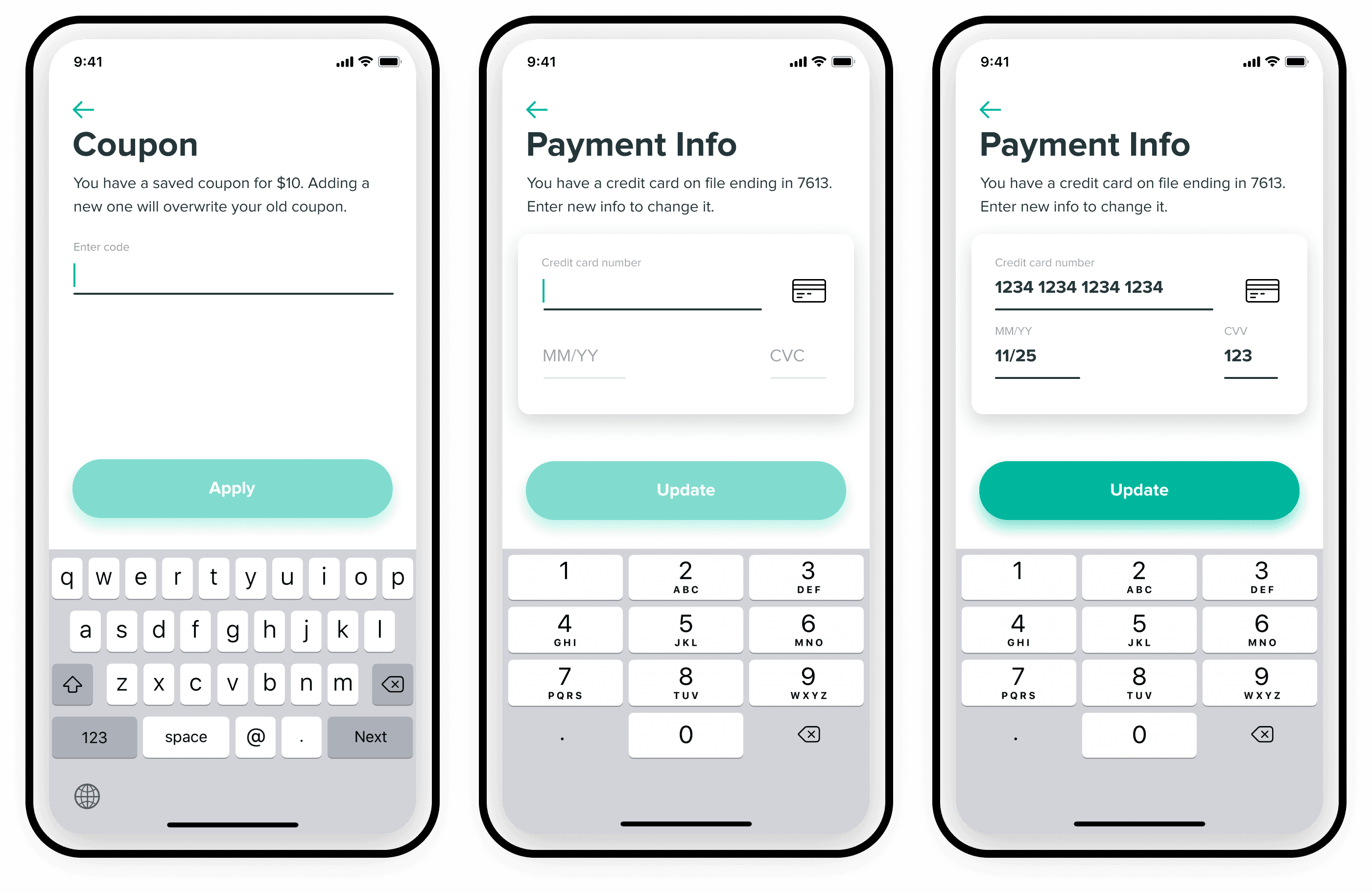
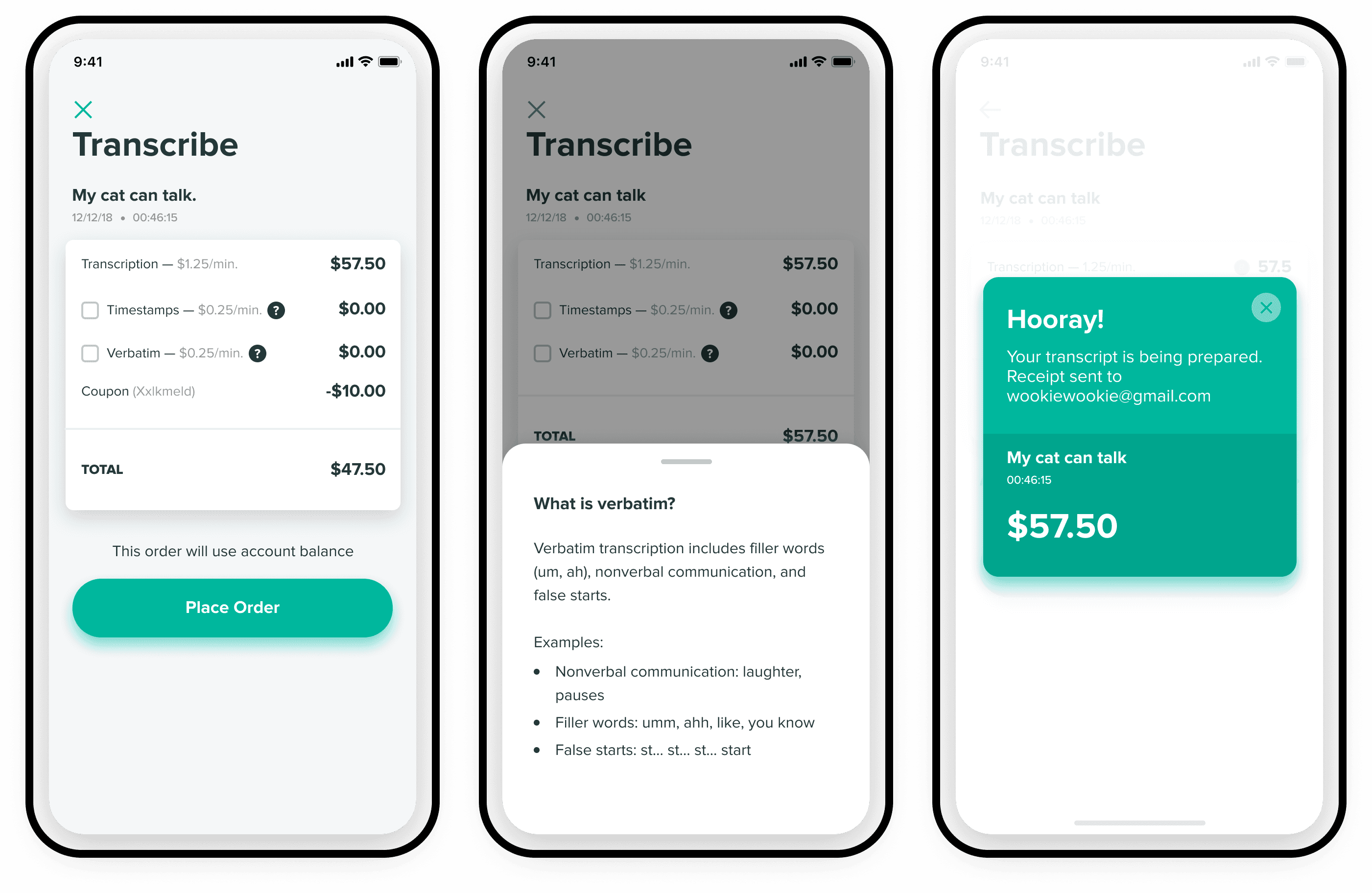
We had some workarounds for preloading your credit card through the web portal. For new customers, they used the credit system. We had to support two different types of payments, including coupons and discounts, depending on your organization.
Sign up (forms!!!)
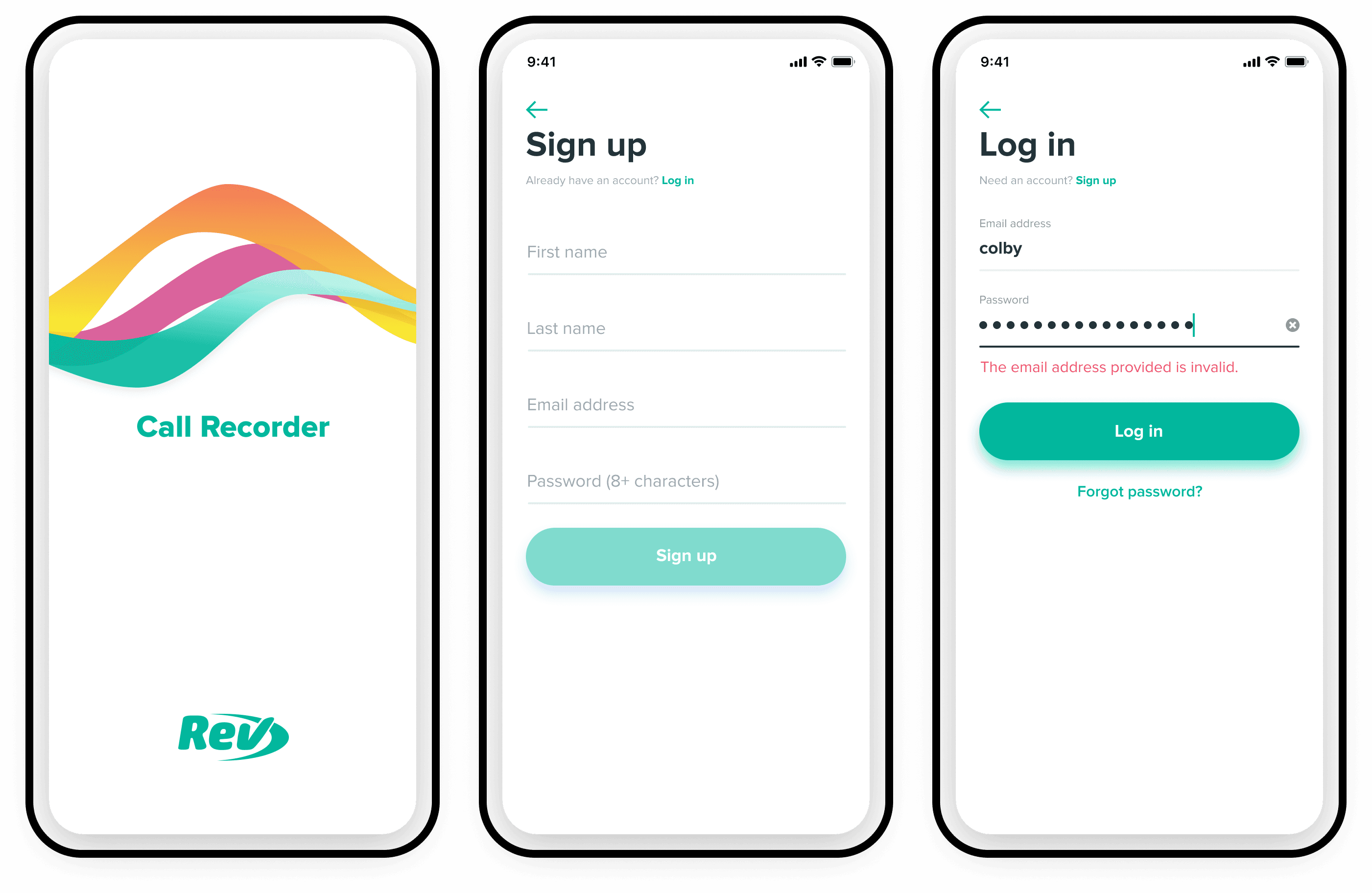
Conducted a very deep dive into a significant amount of live qualitative user testing on the forms that were currently in use.
More screenshots, flows, case studies, and information available upon request.